

Originally published: Oct 8, 2024. Last updated: Oct 11, 2026.
Most businesses still rely on traditional marketing to generate leads, but your website can quietly become your hardest-working salesperson. A well-designed website does more than showcase your services. It guides visitors toward one clear goal: contacting you, requesting a quote, or booking a call. For local and small businesses especially, the website itself is often the first impression that decides whether a prospect turns into a lead.
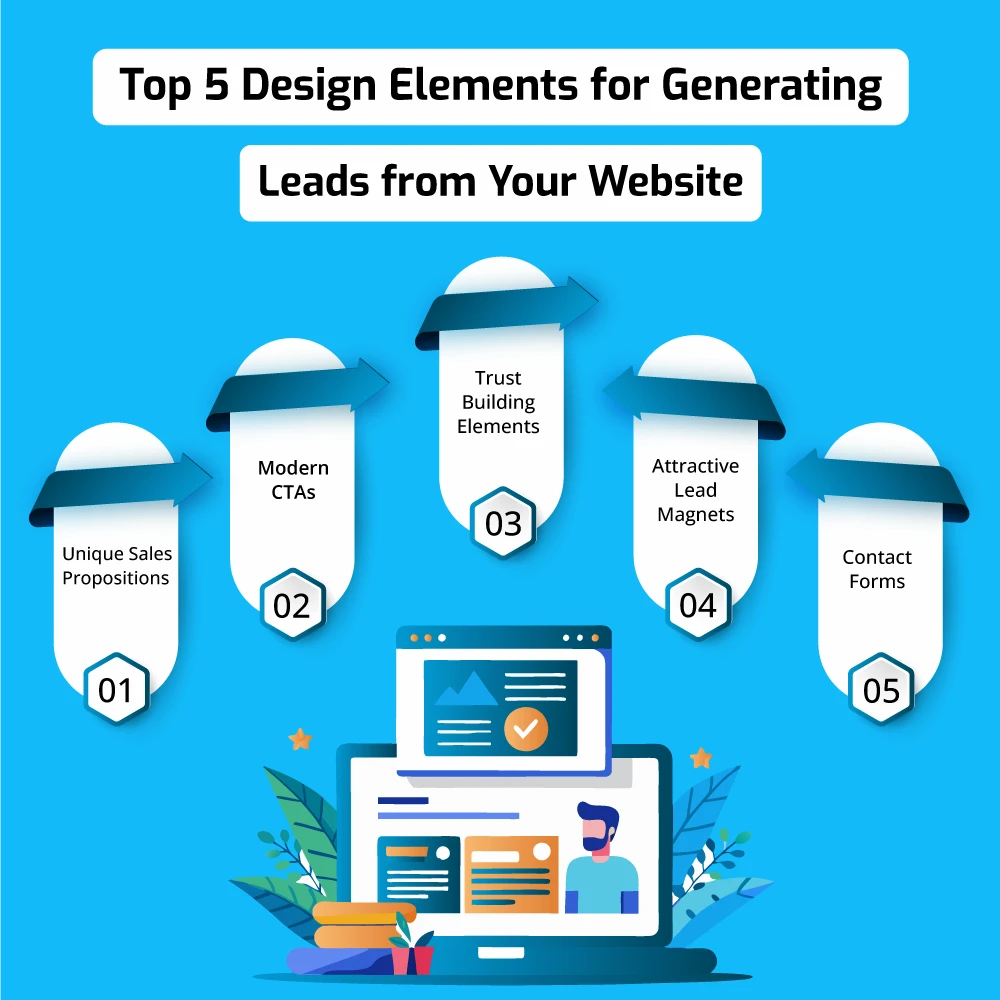
The difference between a website that converts and one that does not comes down to specific design elements: the call to action, the form, the proof that you are trustworthy, how fast the page loads, and how everything looks on a phone. Below are the seven design elements backed by current conversion research that consistently turn more visitors into qualified leads. Everything has been updated for 2026 with fresh statistics and benchmarks.
Before adding any of these elements, it helps to get the fundamentals right. If your site is missing the basics, the key essentials of a small business website are the right starting point. It also helps to study masters of clean, conversion-focused design, such as how Apple structures its website, to see what ruthless simplicity can achieve.
7 Design Elements That Turn Visitors into Leads
Every element below earns its place on this list because research shows it moves the needle on conversions. Treat them as a checklist and work through them in order of impact.
1. A Clear Value Proposition Above the Fold
Visitors decide within seconds whether your website is worth their time. If they cannot immediately tell what you offer, who it is for, and why you are better than the alternatives, they leave. A strong value proposition placed at the top of the page (the area visible without scrolling) answers those three questions in one glance.
Keep it user-centric rather than company-centric. Instead of leading with “Welcome to our company,” lead with the outcome the visitor gets, such as “Get your taxes filed by certified accountants in 48 hours.” Research from Adobe found that 79% of customers say brands must demonstrate that they acknowledge and care about their needs, which is exactly what a good value proposition does. Pair the headline with one supporting sentence and a single call to action so the visitor knows the next step.
2. High-Contrast, Personalized Call-to-Action Buttons
Your call to action (CTA) is the bridge between a visitor and a lead, so its design deserves real attention. The most effective CTA buttons share three traits: they contrast sharply with the surrounding page so the eye lands on them, they sit in high-traffic positions (above the fold and again at the end of key sections), and their copy describes the benefit of clicking rather than the mechanics (“Get my free quote” beats “Submit”).
Personalization takes CTAs further. HubSpot’s analysis of more than 330,000 CTAs found that personalized calls to action convert 202% better than generic, one-size-fits-all buttons, because they meet visitors at the right stage of their buying journey. Even without advanced tooling, you can apply the principle: a first-time visitor might see “See how it works” while a returning visitor sees “Book your consultation.”
Keep the page focused on one primary action. Testing consistently shows that fewer competing offers and less clutter around the CTA produce higher conversion rates, so give the button negative space and resist the urge to add a second, equally prominent button next to it.
3. Short, Low-Friction Forms
Every field you add to a form gives visitors another reason to abandon it. Form analytics from Zuko show that only about 45% of people who view a form go on to complete it, meaning more than half drop off. The single biggest lever is length: research analyzed by Colorlib in its 2026 landing page benchmarks found that three-field signup forms convert best, at around 10%, with each additional field adding friction. A 2026 B2B benchmark cited by Sci-Tech Today reported 23.1% completion for three-field forms versus 11.4% for seven-field forms and 6.9% for forms with ten or more fields.
The practical rule is simple: ask only for what you need to follow up (usually name, email, and one qualifying question), and make the phone number optional rather than required. If you genuinely need more detail, use progressive profiling: capture the basics first, then ask follow-up questions on later visits or in your confirmation email. Multi-step forms that show one short question per screen can also reduce overwhelm compared to one long intimidating form.
4. Social Proof and Trust Signals
Visitors will not hand over their contact details to a business they do not trust. Trust signals, such as customer reviews, testimonials, case-study numbers, industry certifications, and client logos, reduce perceived risk and give prospects the confidence to convert. Place them near your forms and CTAs, not buried on a separate page nobody visits.
The numbers show how much this matters. BrightLocal’s Local Consumer Review Survey 2026 found that 97% of consumers read online reviews for local businesses, and 49% trust online reviews as much as a personal recommendation. The bar keeps rising: 68% of consumers now require a minimum four-star rating before they will consider a business, and 80% say they are more likely to use a business that responds to all of its reviews, positive and negative. Showcase your best reviews prominently, keep them recent, and reply to them publicly.
5. Irresistible Lead Magnets
Many visitors are not ready to buy on their first visit, but they will trade an email address for something genuinely useful. That is the job of a lead magnet: a free resource that solves one specific problem for your ideal customer, such as a checklist, template, cost calculator, industry report, or short explainer video. For a deeper walkthrough of building them, see our guide to creating highly effective lead magnets.
The key is specificity and fast delivery. A generic “subscribe to our newsletter” converts poorly; a “Free 10-point website SEO checklist for small businesses” converts well because the value is obvious before the visitor commits. Video deserves special attention: HubSpot’s survey data cited in the 2026 benchmarks named video the number one landing page element affecting conversion for 38.6% of marketers, making short explainer or testimonial videos powerful lead magnets in their own right.
6. Blazing Page Speed and Mobile-First Design
A slow website quietly destroys lead generation before any of the other elements get a chance to work. Research by Deloitte and Google, summarized in 2026 page-speed benchmarks, found that a mere 0.1-second improvement in mobile load time lifted retail conversions by 8.4%. Google’s own research showed that as page load time grows from one second to three seconds, the probability of a visitor bouncing rises by 32%.
Design mobile-first, because that is where your visitors are: the 2026 benchmarks report that 83% of landing page visits come from mobile devices, yet desktop still converts better, which means closing the mobile conversion gap is one of the biggest opportunities most businesses have. Test your pages against Google’s Core Web Vitals (Largest Contentful Paint under 2.5 seconds, Interaction to Next Paint under 200 milliseconds, Cumulative Layout Shift at 0.1 or lower). According to the HTTP Archive Web Almanac 2025, only 48% of mobile sites pass all three, so beating that bar is a genuine competitive advantage. Compress images, limit heavy scripts, and choose fast hosting.
7. Easy Ways to Talk to a Human
Some prospects will never fill out a form, no matter how short it is. They want to ask a question and get an answer from a real person first. Make that easy: a visible phone number in the header, a click-to-call button on mobile, a live chat or messaging widget, and a simple contact page with your email, address, and business hours.
Chat and messaging options work especially well because they let hesitant visitors start a low-commitment conversation. Staff the chat during business hours and set clear expectations outside them (“We typically reply within one business day”). Every conversation that starts in chat is a lead your form alone would never have captured.
How to Measure Whether Your Design Changes Are Working
Redesigning without measuring is guessing. Set up conversion tracking in your analytics so every form submission, call click, and chat started is counted as a conversion, then change one element at a time and compare results. This is A/B testing, and it is how you learn whether a new CTA copy, a shorter form, or a different headline actually produces more leads.
Judge your numbers against realistic benchmarks. The 2026 Unbounce conversion benchmarks, drawn from 41,000 landing pages, put the all-industry median conversion rate at 6.6%, with 10% or higher considered good. Track conversion rate by traffic source and device separately, because a page that converts paid-search visitors at 8% may convert social visitors at 2%, and that tells you where to focus next.
Turn Your Website Into a Lead Generation Machine
A website with all seven of these elements in place will consistently out-generate one that is missing them: a clear value proposition, personalized high-contrast CTAs, short forms, visible social proof, a compelling lead magnet, fast mobile-first pages, and easy human contact. You do not need to implement everything at once. Start with the highest-impact fixes (speed, forms, and CTAs), measure the results, and keep iterating. Small, tested improvements compound into a website that generates leads around the clock.
Frequently Asked Questions
How many form fields should my lead generation form have?
Three to five fields is the sweet spot for most lead forms. Research shows that three-field signup forms convert best at around 10%, while a 2026 B2B benchmark reported 23.1% completion for three-field forms versus 11.4% for seven-field forms and 6.9% for forms with ten or more fields. Ask only for what you need to follow up, and collect the rest later.
Where should I place the main call to action on my website?
Above the fold, where visitors see it without scrolling, and repeated at the end of key sections. Use a high-contrast button that stands out from your color scheme, give it space so nothing competes with it, and personalize the copy to the visitor’s stage in the buying journey.
How fast does my website need to load to convert visitors?
Aim for under 2.5 seconds on mobile. Research by Deloitte and Google found that just a 0.1-second speed improvement lifted retail conversions by 8.4%, while Google’s research showed bounce probability rising 32% as load time grows from one to three seconds. Test against Google’s Core Web Vitals to find what is slowing you down.
Do online reviews really influence lead generation?
Yes. BrightLocal’s 2026 survey found that 49% of consumers trust online reviews as much as personal recommendations, 68% will not consider a business with fewer than four stars, and 80% are more likely to use a business that responds to its reviews. Display recent reviews near your forms and CTAs and reply to them publicly.
What makes a good lead magnet in 2026?
A good lead magnet solves one specific problem for your ideal customer and delivers quick value, such as a checklist, template, calculator, or short explainer video. The more specific the promise, the better it converts. Video is especially effective: HubSpot’s survey data named it the top landing page element for 38.6% of marketers.
How can I measure whether my website design changes are working?
Run A/B tests that change one element at a time, such as the CTA copy, form length, or headline, and track actual submissions rather than just clicks. Measure conversion rate separately by traffic source and device. As a rough benchmark, the median landing page converts at 6.6% while 10% or higher is considered good.